Animated photo-booth
screens & overlays
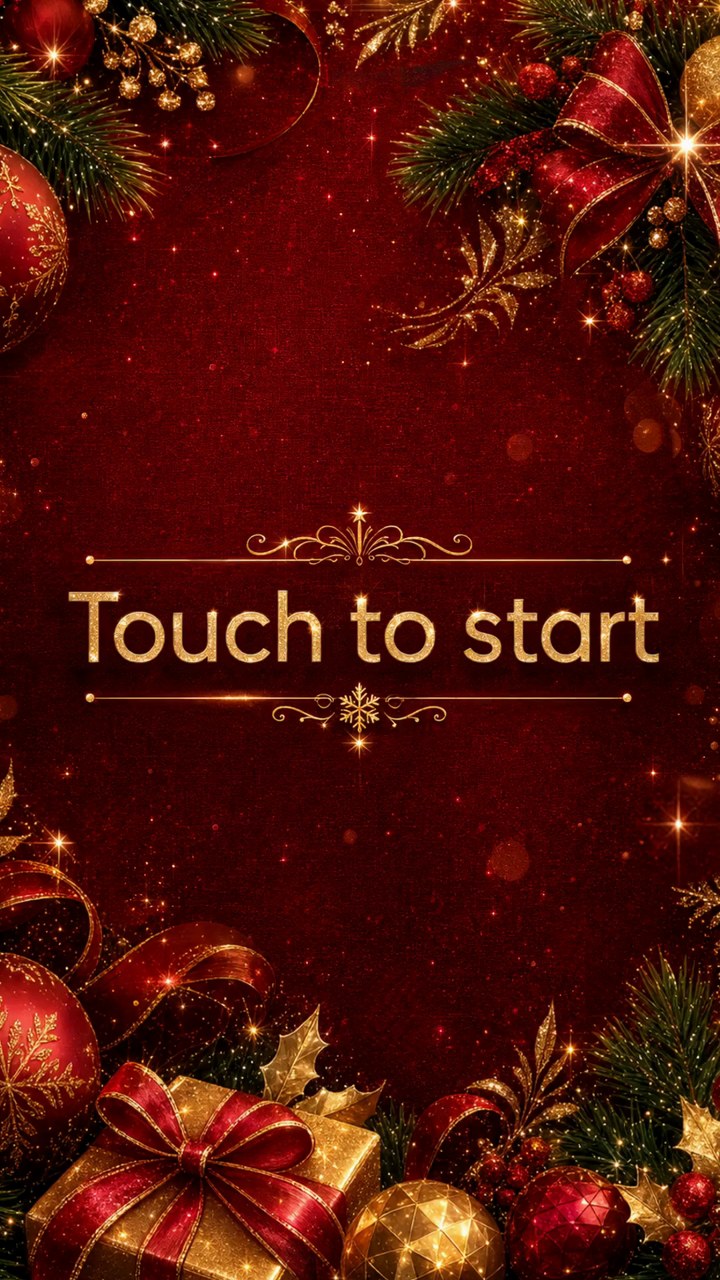
Design a full-screen welcome for your booth's idle display, then bring it to life — cut out any element, give it a one-tap motion, and export a seamless looping MP4. No After Effects, no timeline, no keyframes.
The whole animation suite, in one editor
No motion-graphics software to learn. Tap an element to cut it out, pick a motion, tune the size, and export — the live preview and the exported MP4 always match.
Static screen → animated, in a few taps
From brief to looping MP4 in four steps
Describe the event
The AI designs a full-screen, on-brand welcome — background, ornaments, title and layout.
Cut out any element
Tap it with the magic wand, grab a text line, or brush any shape — the AI rebuilds the background behind it.
Add motion
Give each layer a one-tap preset — float, sway, drift, shimmer, pulse — over a gentle background drift.
Export the MP4
Render a seamless looping MP4, colour-true for iPads and booth displays. Free.
Why animated screens
No After Effects
One-tap motion presets replace a 20-track timeline. No keyframes, no motion-graphics software to learn.
Any element, on its own layer
Cut out an ornament, a gift, a balloon or the title and animate each independently, at any size.
Colour-true export
MP4s are tagged BT.709, so the reds and golds look exactly right on an iPad or booth display — not shifted.
Seamless loop, free export
The MP4 loops forever with no visible seam — drop it straight onto the booth's attract screen at no extra cost.
Works with your booth & display
Export a standard looping MP4 for any attract/idle display, plus transparent-PNG overlays that drop into Snappic, Touchpix, dslrBooth, Simple Booth, LumaBooth, Breeze Systems and any other photo-booth app.
Animate your next welcome screen
Design a screen, bring it to life, and export the MP4.
Animated screens — FAQ
Does it work with my photo-booth software?
Yes. Overlay Designer exports transparent PNGs that work with any photo-booth app — Snappic, Touchpix, dslrBooth, Simple Booth, LumaBooth, Breeze and more. There's also a public API and an embeddable website designer for operators who want it built in.
Can it make animated screens for the booth's display?
Yes. Design a full-screen welcome from an event brief, then bring it to life: cut out any element — a balloon, an ornament, the title — with a tap and give it a one-tap motion preset (float, drift, shimmer, pulse and more), on top of a gentle background drift. Export a seamless looping MP4 for your booth's attract screen. No After Effects, no timeline, no keyframes.
How do I pull an object out of a screen to animate it?
Tap it. The magic wand selects a whole object, the Text tool grabs a whole line of text, and the brush lets you paint any shape — then the AI rebuilds the background behind it so the element sits on its own layer, ready to animate or resize. It works on a phone too.
How much does it cost?
You pay per generation in credits (1 credit = $0.10). A new overlay or an animated screen is 4 credits; smaller edits cost less — restyling or repositioning is 2, a regional change 3, an erase 1, and extracting an element from a screen is 1. Animating a screen, exporting the looping MP4, and applying an overlay to guest photos or video are all free. There's no subscription — buy a pack of credits and use them whenever you have an event.
What sizes and formats can it make?
Transparent PNGs at any size — 4×6 and 2×6 prints, classic photo strips, and custom dimensions — for single prints, multi-shot strips, boomerangs and GIFs. The photo windows are genuinely see-through, so your booth software lays the overlay straight over each capture.