AI photo-booth overlays & templates for dslrBooth
dslrBooth is the go-to for DSLR photo booths. Overlay Designer creates the print templates and overlays to go with it — strips, 4×6 prints and transparent PNGs that import straight into your dslrBooth layouts.
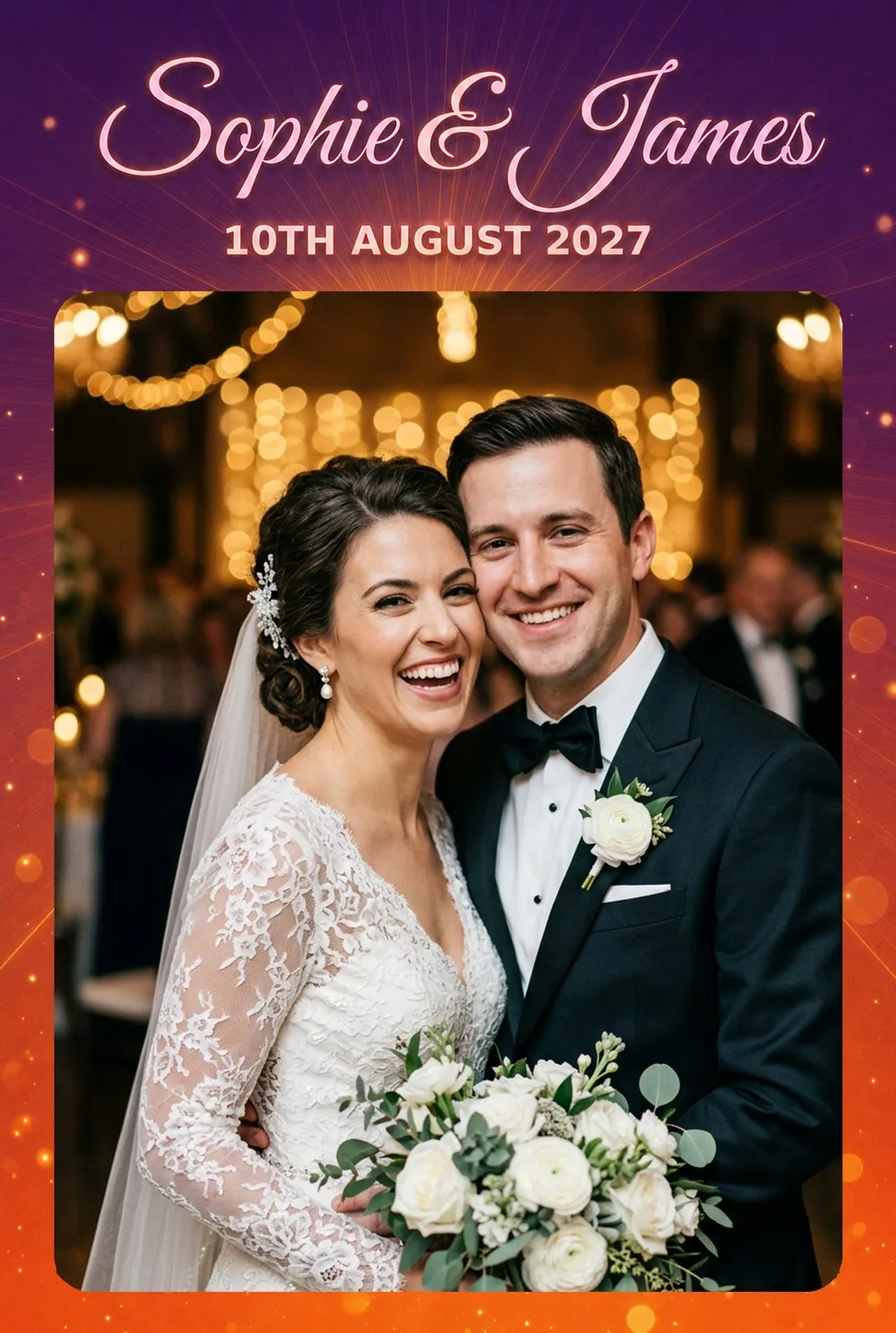
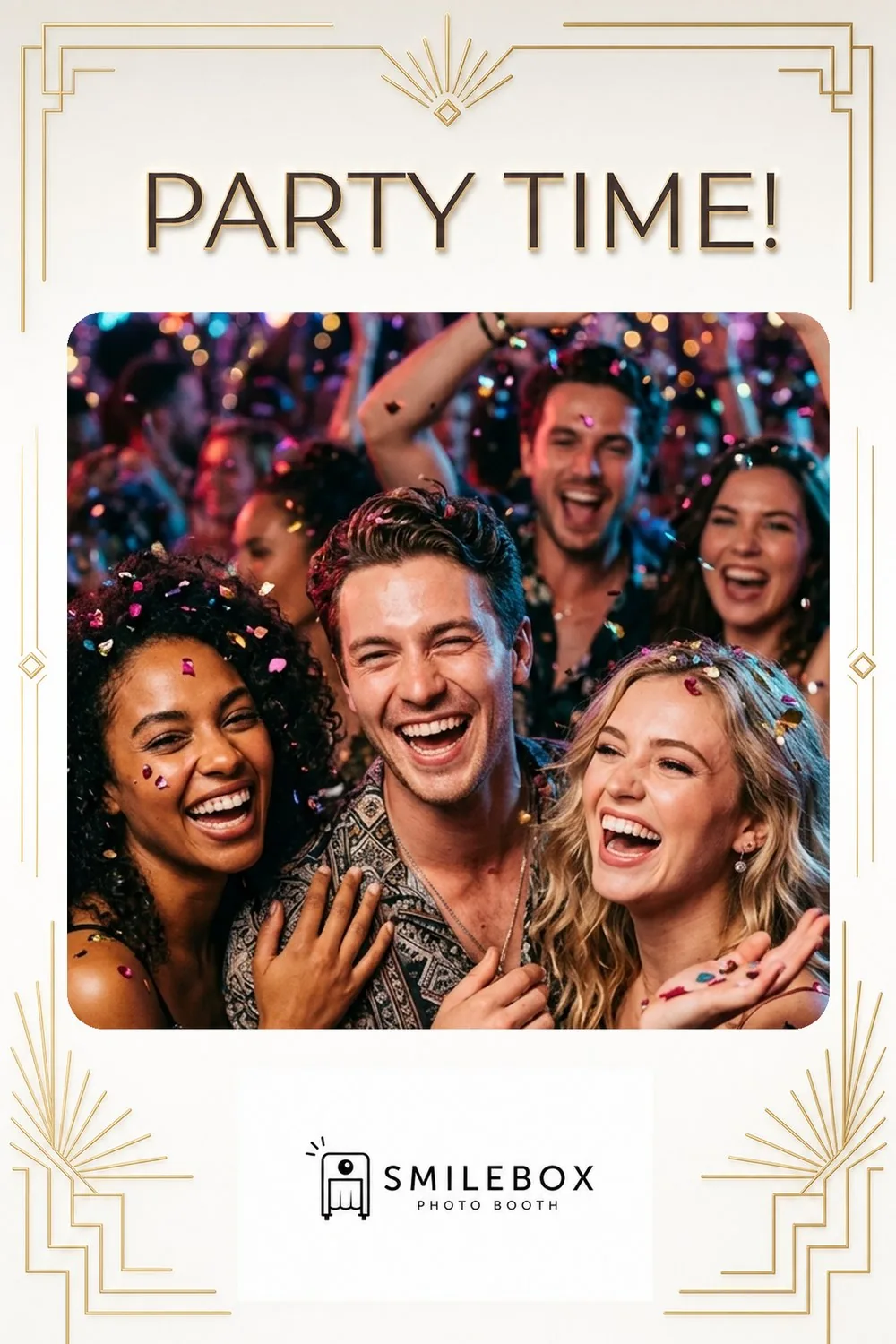
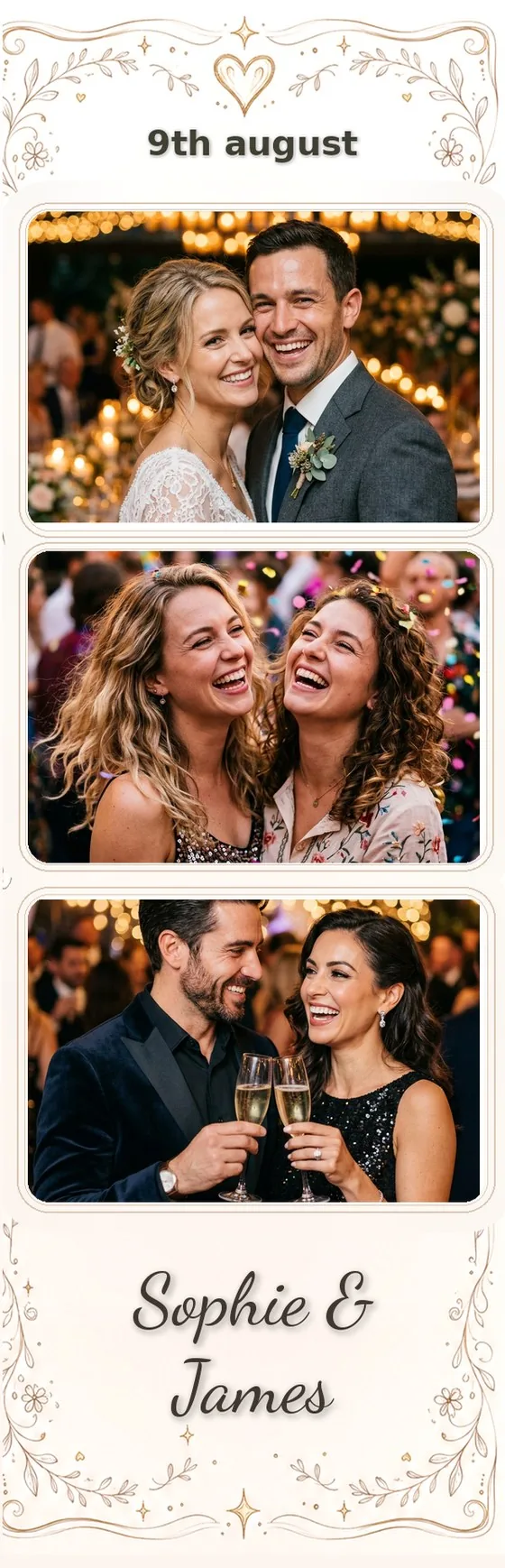
Overlays for every dslrBooth format
Transparent PNGs that drop straight into dslrBooth — strips, 4×6 prints and GIFs, designed by AI.
How it works with dslrBooth
Design with AI
Lay out your photo windows and text, pick a style, and generate a print-ready overlay.
Export
Download a transparent PNG — the standard formats dslrBooth expects.
Load into dslrBooth
Import the overlay/template into your dslrBooth layout and you're ready to capture.
Loading overlays into dslrBooth
dslrBooth prints from PNG print templates. Export your overlay as a transparent PNG sized to your 2×6 strip or 4×6 layout and drop it into dslrBooth's template folder — it prints exactly as designed, every time.
Why AI overlays for dslrBooth
- A custom, on-theme overlay for every event — without a designer
- Your text and logo stay exact; the AI decorates around them
- Print-ready strips, 4×6 and custom sizes
- Apply overlays to guest photos & videos for instant shareables
Other photo-booth apps
FAQ
What is Overlay Designer?
Overlay Designer is an AI tool for photo-booth operators. It makes two things: print-ready overlays — the decorated frames with your text, logo and transparent photo windows that sit on top of guest photos — and animated welcome screens for the booth's idle display. You place your windows and text, describe the style, and the AI designs the rest.
Does it work with my photo-booth software?
Yes. Overlay Designer exports transparent PNGs that work with any photo-booth app — Snappic, Touchpix, dslrBooth, Simple Booth, LumaBooth, Breeze and more. There's also a public API and an embeddable website designer for operators who want it built in.
Can it make animated screens for the booth's display?
Yes. Design a full-screen welcome from an event brief, then bring it to life: cut out any element — a balloon, an ornament, the title — with a tap and give it a one-tap motion preset (float, drift, shimmer, pulse and more), on top of a gentle background drift. Export a seamless looping MP4 for your booth's attract screen. No After Effects, no timeline, no keyframes.
How do I pull an object out of a screen to animate it?
Tap it. The magic wand selects a whole object, the Text tool grabs a whole line of text, and the brush lets you paint any shape — then the AI rebuilds the background behind it so the element sits on its own layer, ready to animate or resize. It works on a phone too.