
AI photo-booth overlays for Touchpix
Touchpix runs slick iPad and GIF booths. Pair it with Overlay Designer to generate on-brand, print-ready overlays for each event — no graphic designer, no Photoshop.
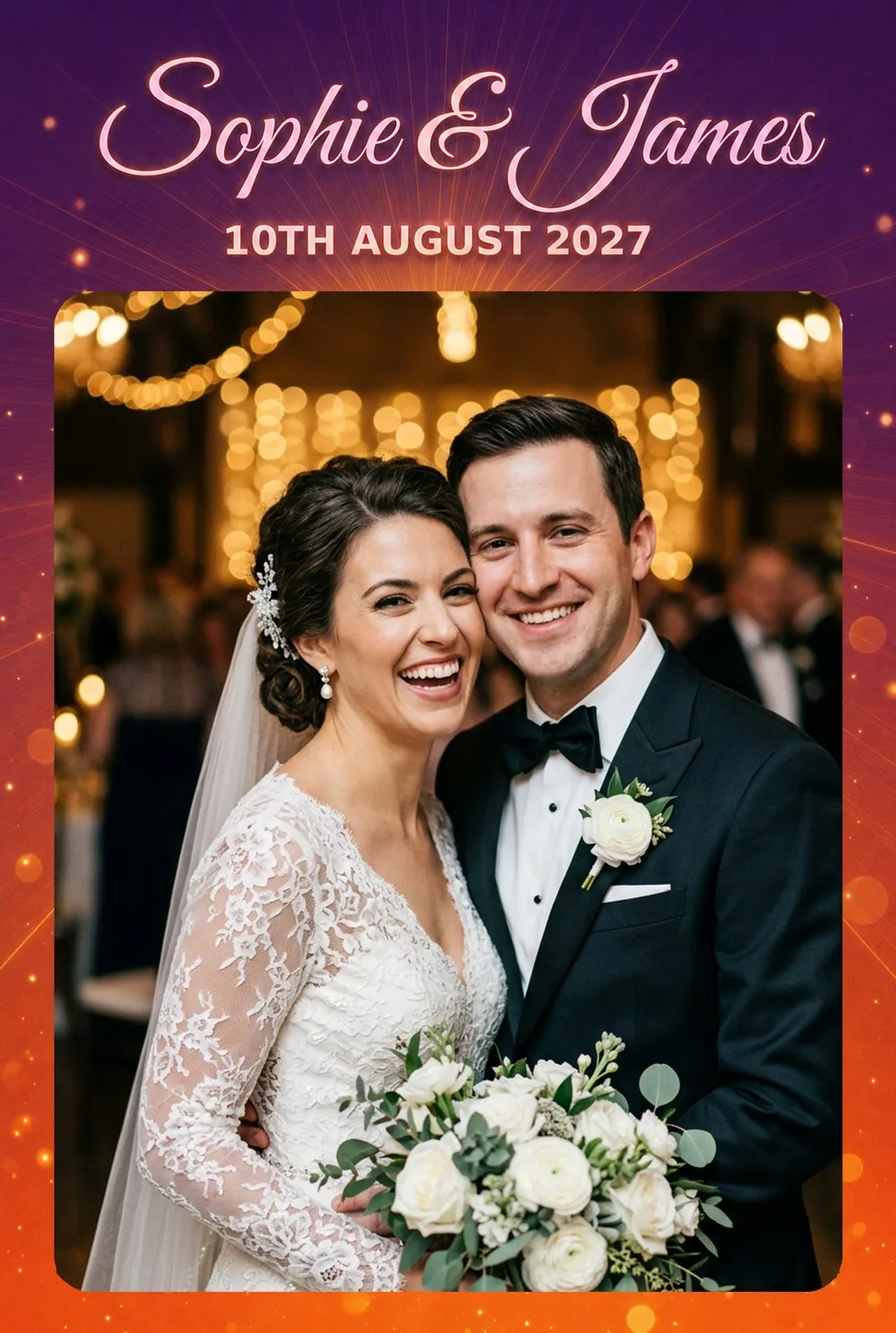

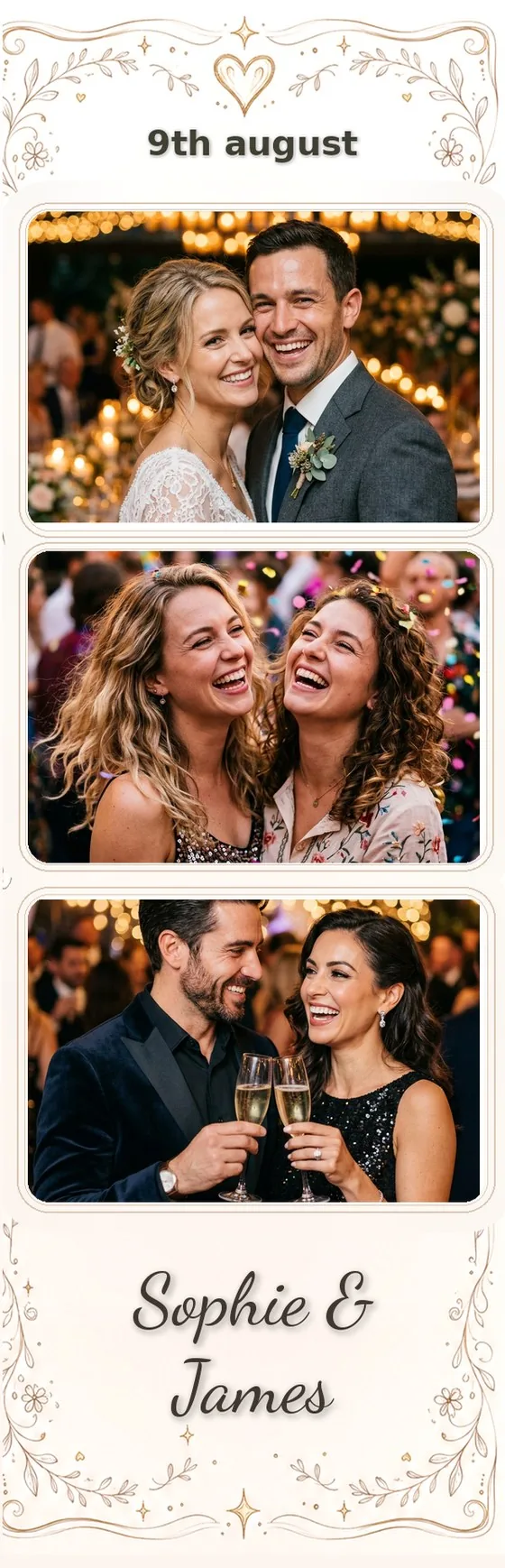
Overlays for every Touchpix format
Transparent PNGs that drop straight into Touchpix — strips, 4×6 prints and GIFs, designed by AI.
How it works with Touchpix
Design with AI
Lay out your photo windows and text, pick a style, and generate a print-ready overlay.
Export
Download a transparent PNG — the standard formats Touchpix expects.
Load into Touchpix
Import the overlay/template into your Touchpix layout and you're ready to capture.
Loading overlays into Touchpix
Touchpix shoots photos and GIFs on iPad. Drop in your transparent PNG overlay and it sits on top of every frame — your event branding baked into each animated GIF and print.
Why AI overlays for Touchpix
- A custom, on-theme overlay for every event — without a designer
- Your text and logo stay exact; the AI decorates around them
- Print-ready strips, 4×6 and custom sizes
- Apply overlays to guest photos & videos for instant shareables
Other photo-booth apps
FAQ
What is Overlay Designer?
Overlay Designer is an AI tool for photo-booth operators. It makes two things: print-ready overlays — the decorated frames with your text, logo and transparent photo windows that sit on top of guest photos — and animated welcome screens for the booth's idle display. You place your windows and text, describe the style, and the AI designs the rest.
Does it work with my photo-booth software?
Yes. Overlay Designer exports transparent PNGs that work with any photo-booth app — Snappic, Touchpix, dslrBooth, Simple Booth, LumaBooth, Breeze and more. There's also a public API and an embeddable website designer for operators who want it built in.
Can it make animated screens for the booth's display?
Yes. Design a full-screen welcome from an event brief, then bring it to life: cut out any element — a balloon, an ornament, the title — with a tap and give it a one-tap motion preset (float, drift, shimmer, pulse and more), on top of a gentle background drift. Export a seamless looping MP4 for your booth's attract screen. No After Effects, no timeline, no keyframes.
How do I pull an object out of a screen to animate it?
Tap it. The magic wand selects a whole object, the Text tool grabs a whole line of text, and the brush lets you paint any shape — then the AI rebuilds the background behind it so the element sits on its own layer, ready to animate or resize. It works on a phone too.